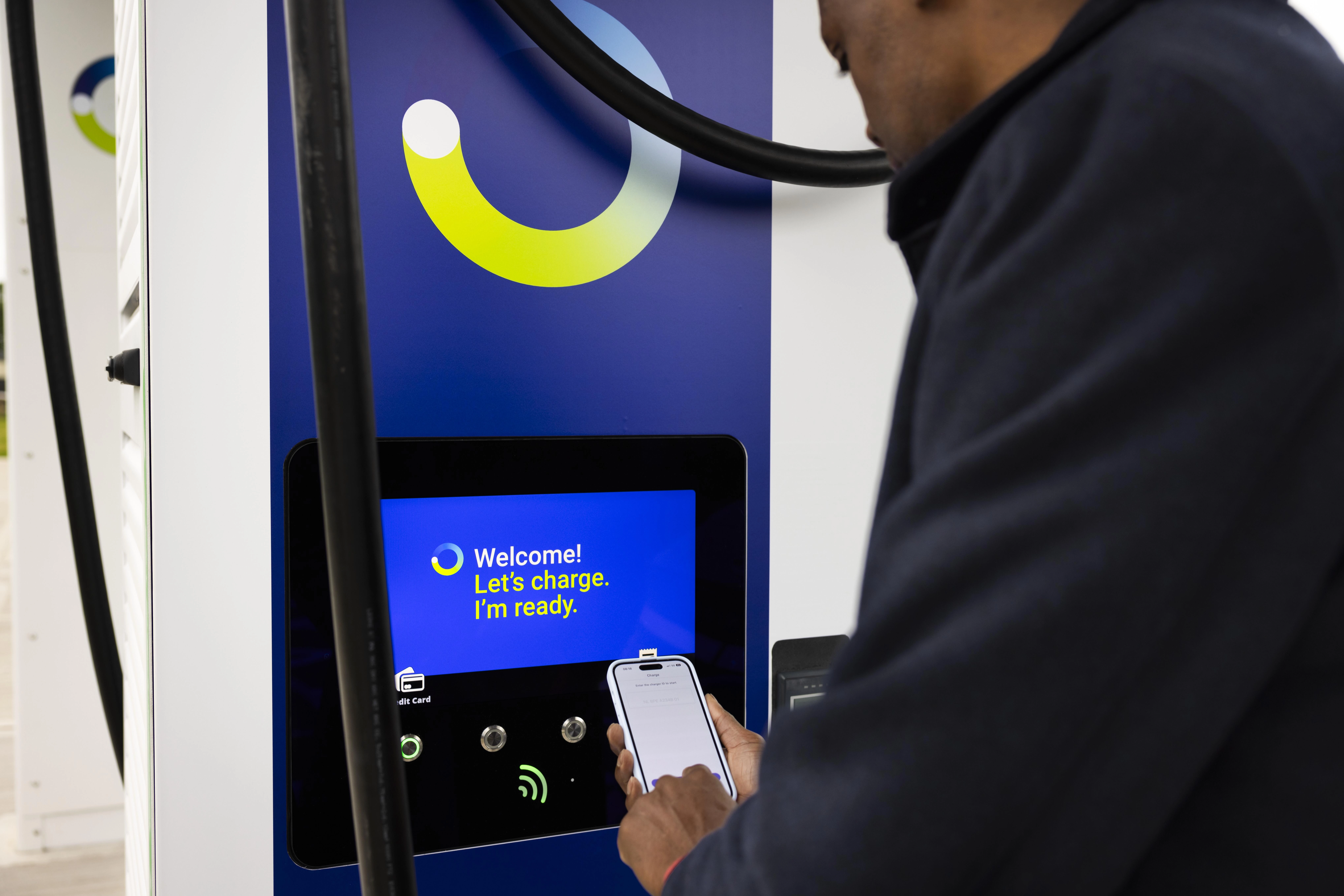
Big changes to keep you moving
Discover the key benefits and improvements we’ve made across our network and app.
Big changes to keep you moving
Discover the key benefits and improvements we’ve made across our network and app.
An improved charging experience
We’re pleased to share exciting new updates and improvements to the bp pulse network and app, so we can continue to bring you the best EV charging experience possible. As a result of these changes, all existing bp pulse customers (subscribers & pay as you go) will need to complete a few steps in the bp pulse app to continue using the bp pulse app and enjoying all the benefits that bp pulse has to offer.
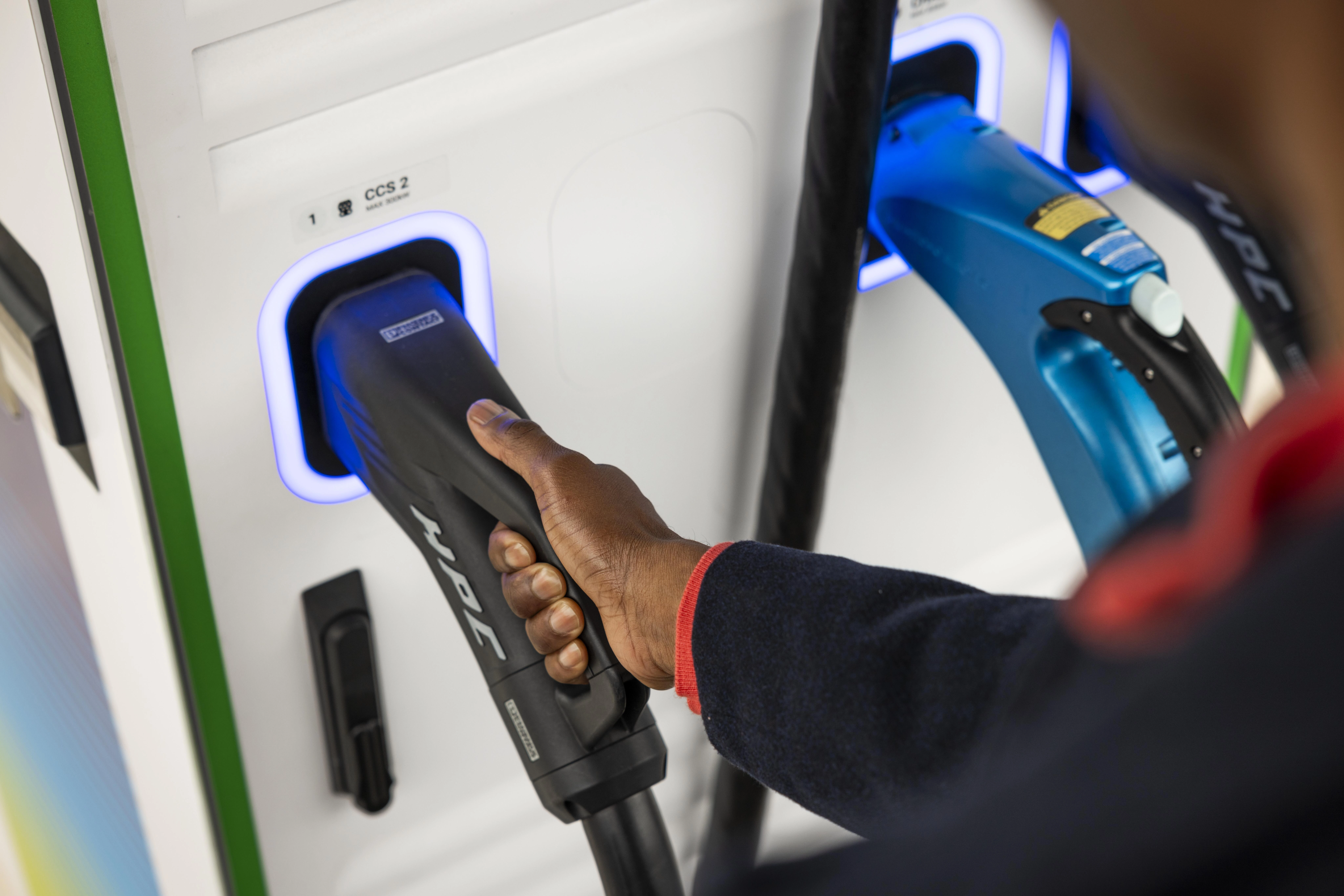
Complete a few simple steps to keep charging
- Accept the terms and conditions (nothing scary we promise!)
- Confirm your marketing preferences (to make sure you don't miss out on offers & promotions)
- Stay subscribed to keep your benefits (existing bp pulse subscribers will need to update and confirm subscription details)
- Order a new free bp pulse charge card (the easiest way to start a charge)
- Add a bank payment card (say goodbye to direct debit payments or topping up your account)
What’s changed?
Discover the key improvements and updates we’ve made across the bp pulse network and app.
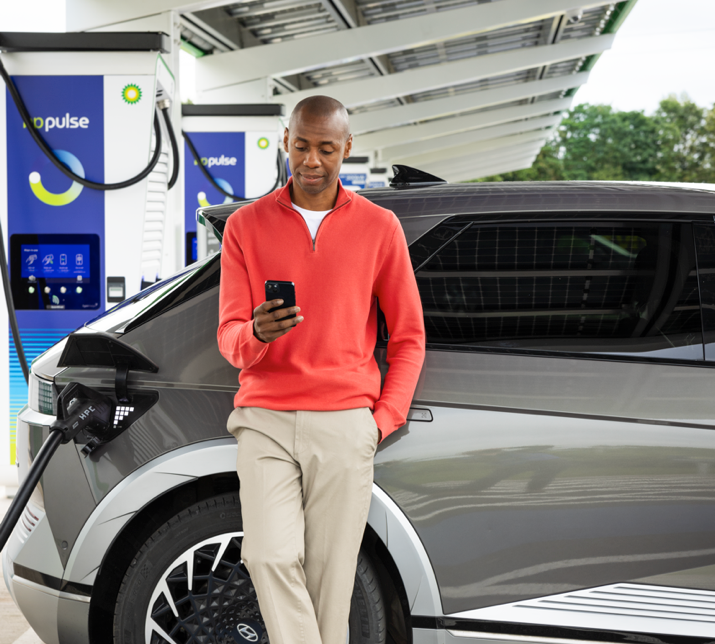
You can sign up for the bp pulse app by following these steps:
- 1. Go to the Profile section of the app and click Log in / Create an account.
- 2. Click Create an account and enter your mobile number.
- 3. Click continue after accepting the terms and conditions.
- 4. You will receive a One-Time verification code by text.
- 5. Add your email address and then click send verification link.
- 6. Open your email. The One-Time verification link will be sent from BP. Open it and click finish setting up your account. You will now be taken back to the bp pulse app. If you cannot find the email, check your spam inbox.
- 7. Complete your profile details to finish setting up your account. This could take up to 60 seconds.
- 8. Your account is now created. You can now add your payment card and start charging right away!
bp pulse subscription benefits:
Get a month’s free subscription, worth £7.85* on us
Save over 20% on our contactless rates when you download the bp pulse app and pay £7.85 per month**
No contract, cancel anytime
Setting up a subscription
- Once you’ve opened your bp pulse app, please follow these steps:
- 1. At the bottom of the screen, tap ‘Profile'.
- 2. Select ‘Subscribe and Save.’
- 3. Scroll down the page and select ‘Set up my subscription now.’
- 4. You will be asked to add a payment card (if you haven’t already) and confirm the CVV number
- If this is your first time signing up, we will give you one month’s free subscription* (worth £7.85).
- If you’ve previously had a subscription with bp pulse you will be shown the standard monthly subscription price from month one.
- If you have an offer code, add it now. The offer code will be added to your account once the subscription has been completed successfully.
- 5. You will be invited to order a free bp pulse charge card – this is your handy way to access charging across our public network.
- 6. Enter and confirm your shipping address. (Please note: This is where the bp pulse charge card will be sent and can be different from both the billing address and any saved home address. Your chosen shipping address will not be stored).
- 7. Confirm your preferred payment method - this can be a payment card that is already within your app wallet or a new payment card (the payment card used for your subscription fee and bp pulse charge card can be different).
- 8. Check the submitted information and click ‘Confirm and Order’.
- We will aim to deliver your bp pulse charge card within 14 days.
Adding a payment card
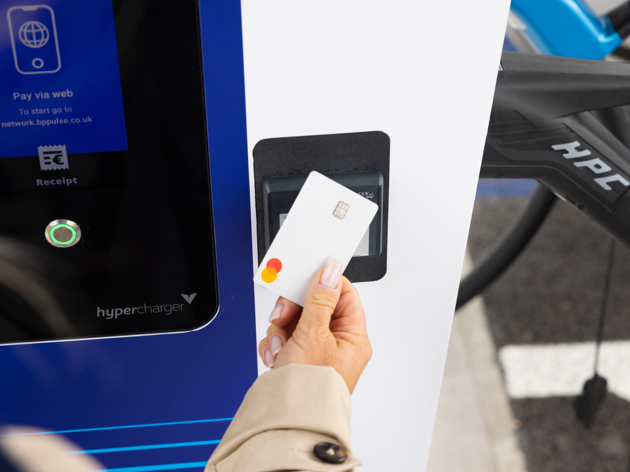
You can add a new payment card at any time in the app.
Select ‘Profile' and tap on ‘Payment Methods’.
Tap ‘Add payment Method’ to enter your card details and billing address. Then tap ‘Continue to card authorisation'.
Your card will successfully be added to your account. If this is the first card you have added this card will automatically become the default card for charging, you can change the default card at any time.
Ordering a bp pulse charge card
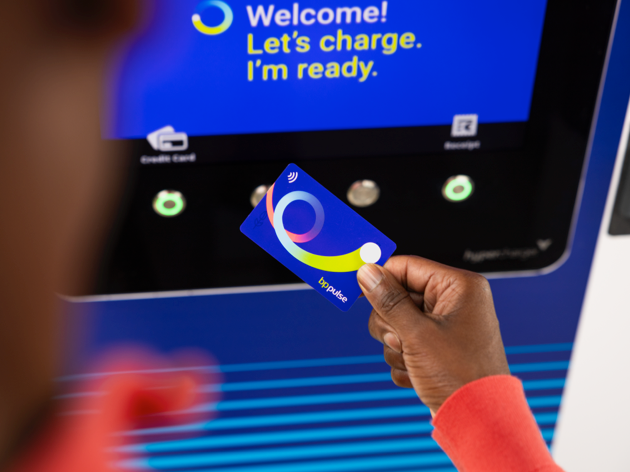
Available exclusively to our subscriber and pay as you go customers.
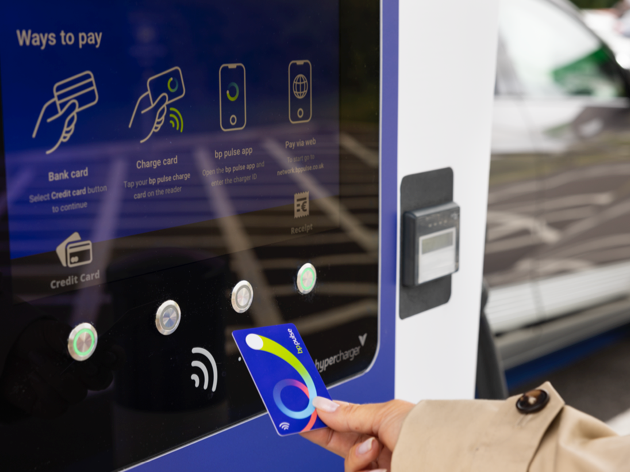
The bp pulse charge card is your handy way to access charging across our public network with just a tap.
To order your free card today, head to the ‘bp pulse charge card’ area within the app, you will be prompted to enter and confirm your chosen payment card and shipping address.
We will aim to deliver it to you within 14 days.

Adding an offer code
Easily add, view, and manage offer codes in your profile settings.
Offer codes can be added to your account by selecting ‘Profile’ at the bottom of the screen and then ‘Offers and Promotions’.
If you have any ‘active offers’ you will be able to view these here along with any ‘Used and expired offers’.
Select ‘Add new offer code’ and input the code provided. You can have up to 10 active offers live on your account at once, and only one of these can be a subscription offer. If the code you have added provides a subscription benefit and contradicts another offer you have live on your account you will be prompted to ‘replace your current offer’ if you wish to do so.
Once added you can view your active offers to see the amount of time remaining, expiry date and also any credit left.

If you have any questions, please visit the bp pulse help and support section or speak directly with our friendly customer care team on 0800 464 3444.
Help and support*1 month's subscription free. When you update your account and keep your bp pulse subscription (£7.85 inc VAT per month) on our upgraded app network.
**Payment by bp pulse charge card or via bp pulse app is required. Discount not available on non-participating chargers. Rates & average subscriber savings are subject to change and can vary across the bp pulse network – check the app for latest prices.