
How to delete your bp pulse for business account
How to delete your bp pulse for business account
You can delete your bp pulse for business account via the bp pulse app
To delete your account, please carefully follow the steps below. In order to read how bp handles user information after account deletion, please read bp's Privacy Policy, point 5 – Storage of your personal data.
Read the privacy policy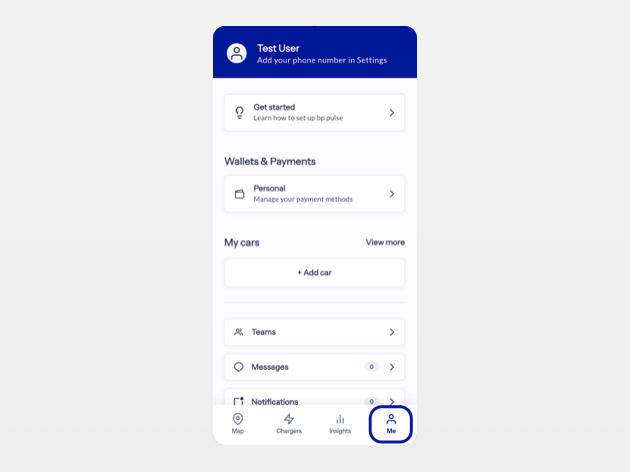
To delete your account, please carefully follow the steps below:
- 1. Open the bp pulse app and navigate to “Me”
- 2. Click on "Settings" and select "Profile"
- 3. Click on “Request account deletion"